Why Your PowerPoint Template Matters More Than You Think
Research consistently shows that audiences form judgments about a presentation within the first 30 seconds. Before you have spoken a single word about your product, your financials, or your strategy — the design of your slides has already shaped whether the room trusts you.
A poorly designed presentation signals disorganization. An inconsistent layout suggests a lack of attention to detail. But a clean, professional PowerPoint template signals something very different: that you take your work seriously, that you respect your audience's time, and that you are prepared.
The good news: you do not need to be a graphic designer to create a professional business presentation. The right PowerPoint template does the design work for you — you just add your content.
What Makes a Business PowerPoint Template "Professional"
Not all PowerPoint templates are created equal. Many free templates look dated, lack consistent formatting, or use colors that clash. Here is what separates a genuinely professional business template from the rest:
- Consistent color system: Every slide uses the same palette — primary, secondary, accent — applied logically throughout.
- Clear typographic hierarchy: Headline, subheadline, body text, and caption each have a defined size and weight so readers know where to look first.
- Purposeful white space: Slides do not feel cluttered. Breathing room is built in, making content easier to absorb.
- Master slide architecture: Changes to fonts, colors, or logos propagate across the entire deck automatically.
- 16:9 widescreen format: The standard for modern projectors, screens, and video conferencing.
- Editable vector shapes: Icons and graphics scale without pixelation and can be recolored to match any brand.
5 Types of Business Presentations (and the Best Template for Each)
Different business scenarios call for different presentation styles. Here is a breakdown of the five most common business presentation types and what to look for in a template for each.
1. Investor Pitch Decks
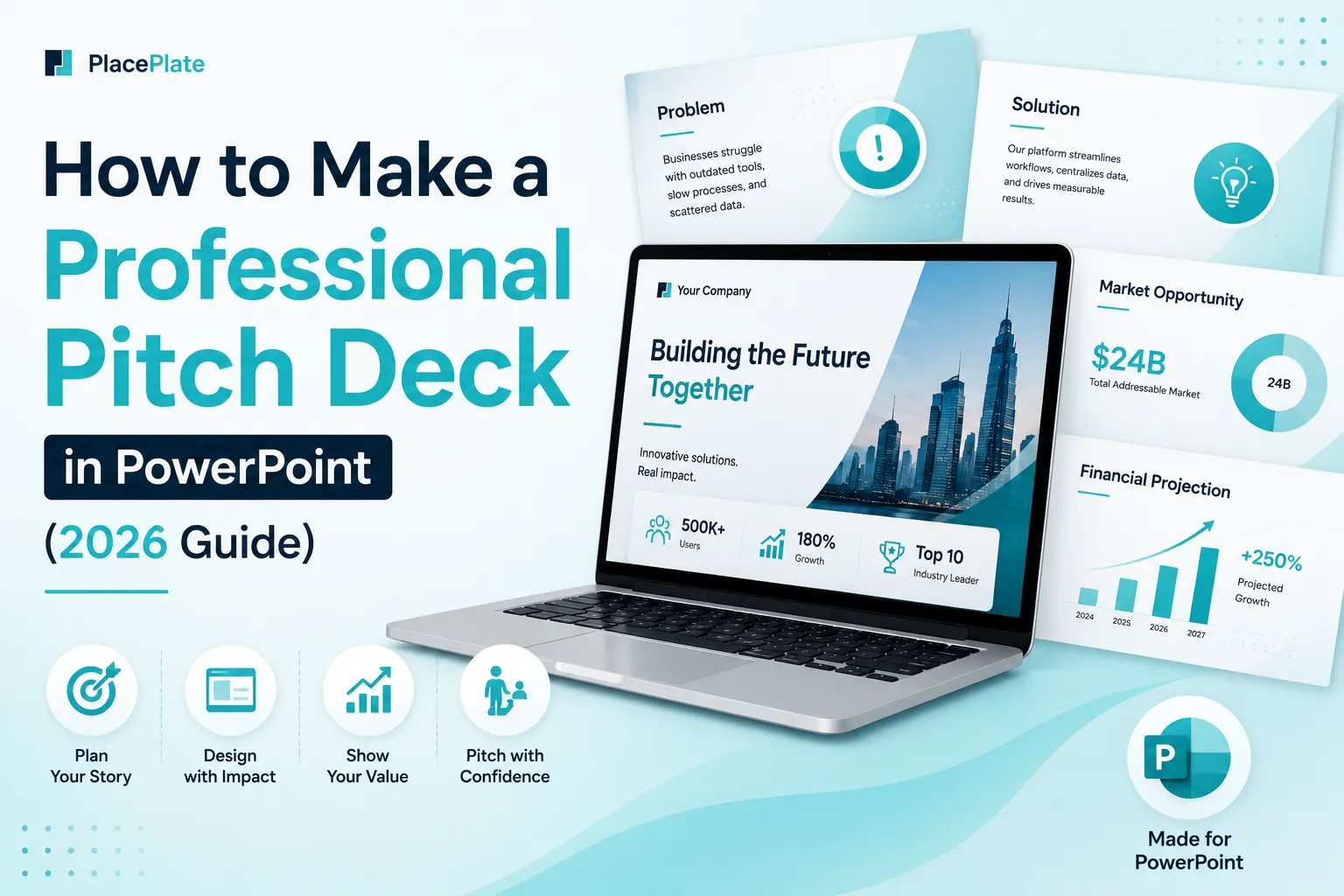
A pitch deck is arguably the most high-stakes business presentation you will ever create. You are competing for attention in a room where investors have seen hundreds of decks. Your template needs to communicate confidence, momentum, and clarity.
Best template qualities: Bold hero slides, clean data visualization layouts, problem-solution-traction narrative structure, and a color scheme that conveys authority (deep navy, charcoal, rich teal, or dark gold tones work well).
2. Company Profiles (Compro)
A company profile presentation introduces your organization to potential clients, partners, or new hires. It needs to be warm, clear, and visually polished without being aggressive.
Best template qualities: Clean grid layouts, space for team photos, service breakdown slides, milestone timelines, and a balanced color palette that reflects your brand.
3. Sales Proposals
Sales proposals close deals. Every slide should move the prospect closer to a "yes." The design should frame your offer as the obvious solution to their specific problem.
Best template qualities: Problem-solution flow, pricing table slides, testimonial or case study layouts, and a strong closing slide with a clear call to action.
4. Financial and Quarterly Reports
Data-heavy presentations require templates that make numbers easy to understand at a glance. Charts, graphs, and KPI summaries should be front and center.
Best template qualities: Built-in chart placeholders, infographic slide layouts, executive summary slide, and a subdued color palette that lets the data speak (silver, slate, cobalt, and white work well here).
5. Internal Team Presentations
Weekly updates, project briefs, and all-hands meetings need templates that are fast to fill out and easy to follow. Simplicity and clarity matter more than visual drama here.
Best template qualities: Simple layouts, ample text areas, checklist and progress slides, and a clean corporate style that does not distract from the content.
How to Choose the Right PowerPoint Template for Your Business
With hundreds of business PowerPoint templates available, how do you choose? Use this simple three-step framework:
-
Match the template to the audience's expectation
An investor pitch needs authority and boldness. A client proposal needs warmth and trust. A team briefing needs clarity and speed. Start by asking: what does my audience expect to see before I even start talking?
-
Check the slide variety
A strong business template includes at least 20 unique slide layouts: title slide, agenda, text slides, image slides, data visualization, comparison, timeline, testimonial, team, and a strong closing. If a template only has 5–8 layouts, you will quickly run out of options as your deck grows.
-
Verify Master Slide support
Open the template and go to View → Slide Master. If the master slides are properly structured, you can change fonts and colors site-wide in minutes. Templates without Master Slide support require manual editing of every single slide — a major time sink.
Top Features to Look for in a Business Presentation Template
Smart Color System
A smart color system means every color in the template is assigned a role — primary, secondary, accent, background, text. Change the primary color in the theme settings and the entire deck updates automatically.
Free Fonts Only
Templates that rely on paid or system-specific fonts create problems when you share the file. Look for templates that use Google Fonts (Onest, Inter, Poppins) so the file renders correctly on any machine.
Morph Transition Ready
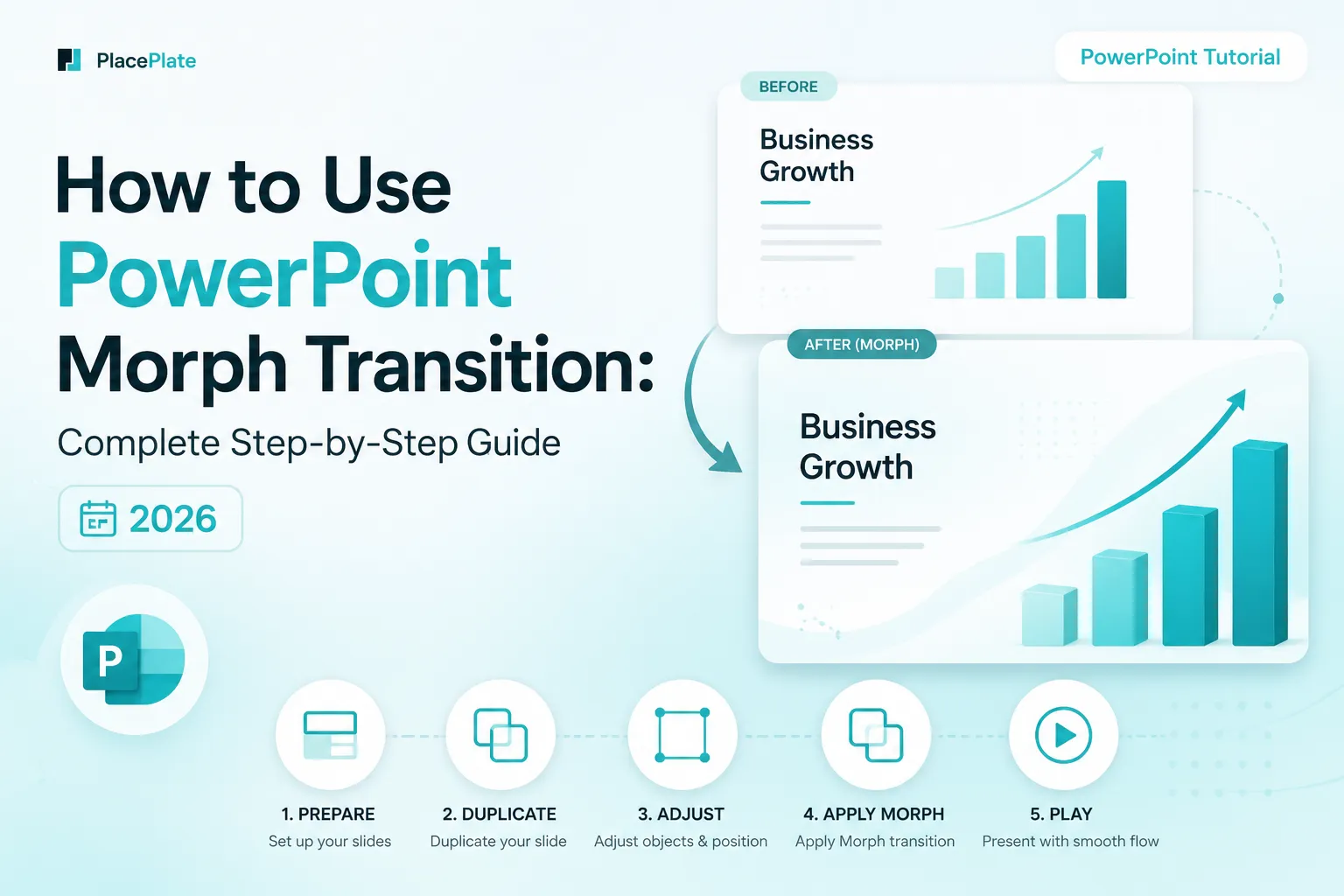
Morph transitions elevate a static deck into a dynamic, cinematic experience. A template pre-built with Morph lets you present with confidence — no manual animation setup required.
Commercial Use License
Always check the license. Business use — especially client-facing presentations and investor decks — requires a commercial license. Many free templates restrict commercial use.
PowerPoint 2019+ Compatible
Ensure the template is tested on PowerPoint 2019 and Microsoft 365. Templates built on older versions may lose formatting or transitions when opened on modern software.
The Morph Advantage: Why Business Templates with Animation Win
In a business context, animation is often viewed with suspicion — associated with gimmicky PowerPoints from the early 2000s. But Morph transitions are fundamentally different. They do not add noise; they add flow.
When you present a business case, the logical progression of your argument should feel natural. Morph supports that by animating elements smoothly from one idea to the next — making your presentation feel like a cohesive narrative rather than a series of disconnected slides.
- Data reveals: Morph can animate a chart growing, a number increasing, or a bar filling — reinforcing the story behind the data rather than just showing a static result.
- Section transitions: Smooth transitions between agenda sections signal professionalism and control — you know exactly where you are going.
- Focus shifts: Use Morph to zoom into a specific part of a diagram or map, directing attention precisely where you need it.
Browse Business PowerPoint Templates
Every PlacePlate template is pre-built with Morph transitions, a Smart Color System, and Master Slide support — ready to use in minutes, fully editable for your brand.