Quick Answer
Choose PowerPoint if design quality, animation, and the final visual result matter most. It has significantly more design control, better typography tools, and features like Morph transition that Google Slides simply doesn't have.
Choose Google Slides if real-time collaboration with multiple people is your top priority and you don't need advanced design features. It's free, runs in a browser, and co-editing works seamlessly.
Design Capabilities
This is where PowerPoint wins decisively. After 30+ years of development, PowerPoint's design toolkit is far more comprehensive than Google Slides'.
PowerPoint: Slide Master and Layouts
PowerPoint's Slide Master lets you define consistent styles across the entire deck from one place. Google Slides has a master too, but with fewer controls over spacing, fonts, and element positioning.
PowerPoint: Superior shape and path tools
PowerPoint supports custom shapes, merge shapes (Boolean operations), precise positioning with guides, and snap-to-grid. Google Slides has basic shapes but no merge/combine operations.
PowerPoint: Full typography control
PowerPoint supports custom fonts installed on your system, OpenType features, kerning control, and ligatures. Google Slides is limited to Google Fonts with basic text controls.
Google Slides: Consistent rendering
Because Google Slides runs in a browser, what you design looks exactly the same on every computer. PowerPoint can have minor rendering differences between Windows, Mac, and different PowerPoint versions.
Winner: PowerPoint — by a significant margin for anything beyond basic slide layouts.
Animations & Transitions
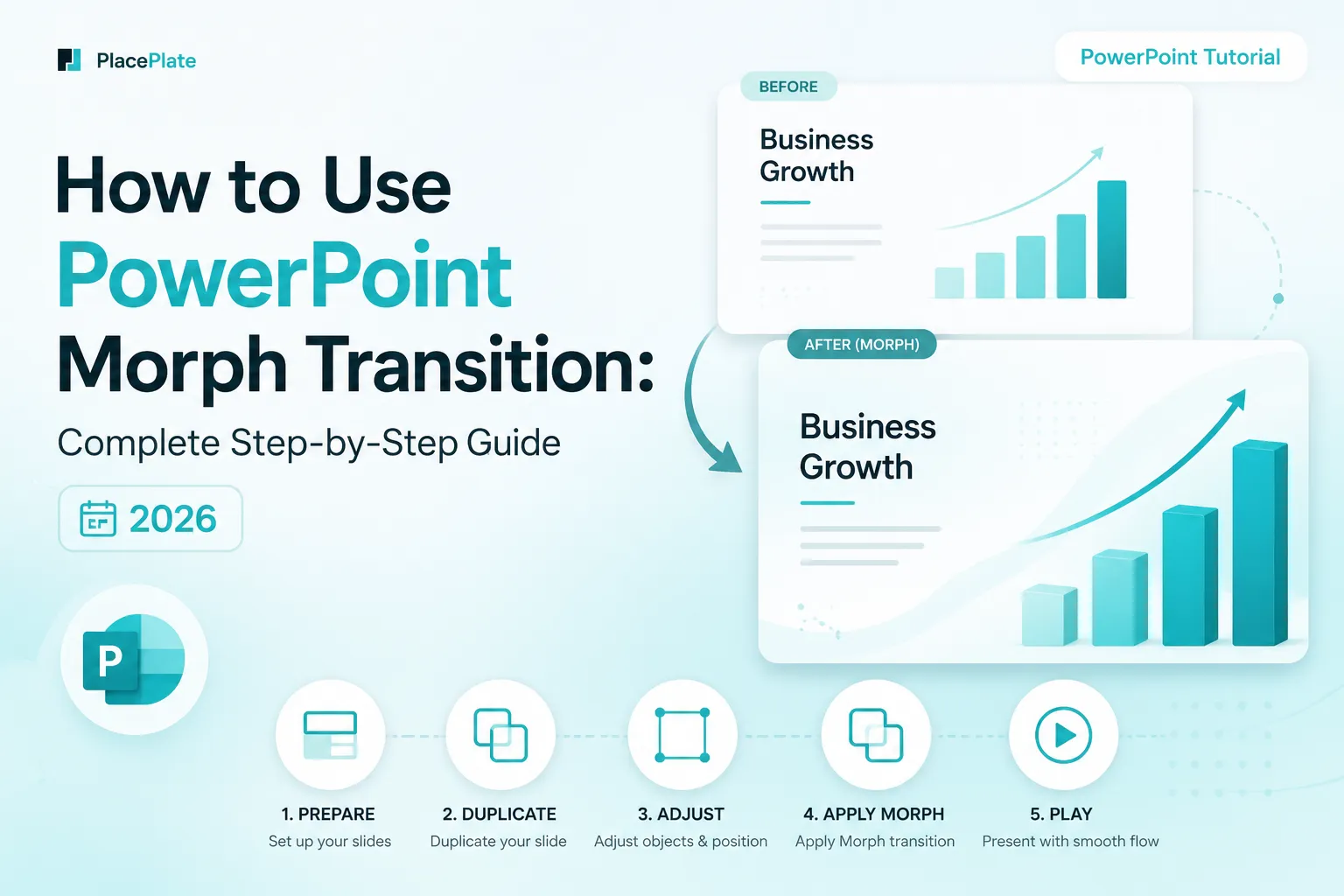
PowerPoint has one feature that Google Slides simply cannot match: Morph transition. Morph creates smooth, cinematic animations between slides by automatically animating objects from their position on one slide to their position on the next.
Google Slides has basic transitions (fade, slide, flip) and simple entrance/exit animations, but no equivalent to Morph. If you want animations that look professionally produced, you need PowerPoint.
- PowerPoint animations: 50+ entrance, exit, and emphasis effects. Morph transition. Motion paths. Animation timing and sequencing controls.
- Google Slides animations: Appear, fade, fly-in, and a few others. Basic slide transitions. No Morph equivalent.
Winner: PowerPoint — especially for any presentation where visual impact matters.
Collaboration
This is Google Slides' strongest argument. If your primary need is multiple people working on the same presentation at the same time, Google Slides is the better choice.
- Google Slides: Real-time co-editing with visible cursors. Comment threads. Version history that auto-saves continuously. Easy sharing via link.
- PowerPoint (Microsoft 365): Real-time co-authoring is available but requires OneDrive or SharePoint. Works well once set up, but adds friction compared to Google's seamless browser-based sharing.
Winner: Google Slides — for frictionless real-time collaboration.
Offline Access & File Compatibility
PowerPoint: Works fully offline. The .pptx file format is the industry standard — virtually every presentation tool, conference AV system, and corporate IT setup supports it. If you're presenting at a client site or conference, PowerPoint is the safe choice.
Google Slides: Primarily a web tool. Offline mode exists but requires advance setup and is less reliable. Google Slides uses its own .gslides format, which loses formatting when exported as .pptx — especially custom fonts, animations, and complex layouts.
Winner: PowerPoint — for professional delivery contexts and file compatibility.
Cost
Google Slides: Free with a Google account. No subscription required. Google Workspace (for teams) starts at $6/user/month.
PowerPoint (Microsoft 365): $6.99/month (personal) or $9.99/month (family). Included in most corporate Microsoft 365 licenses, so many users already have access. A standalone one-time purchase (PowerPoint 2024) is also available.
For individual users starting from scratch, Google Slides is free and that's a real advantage. But for most people in professional settings, PowerPoint is already included in their company's software.
Winner: Google Slides — on cost alone.
Verdict: Which Should You Use?
Use PowerPoint when...
Design quality matters. You need Morph or advanced animations. You're presenting at a conference or client meeting. Your organization uses Microsoft 365. You want to use professional templates.
Use Google Slides when...
Multiple people need to edit simultaneously. You need to present from a device you don't own. You're working on a simple deck with no advanced design needs. You need a free tool with no setup.
For the highest quality result — and especially when using professional templates with Morph transitions — PowerPoint is the clear choice. The design control, animation capabilities, and file reliability make it the tool professionals rely on for important presentations.
Professional Templates with Morph Transitions
Every PlacePlate template is built in PowerPoint and takes full advantage of Morph transitions, advanced typography, and professional layouts — features that Google Slides simply can't replicate.